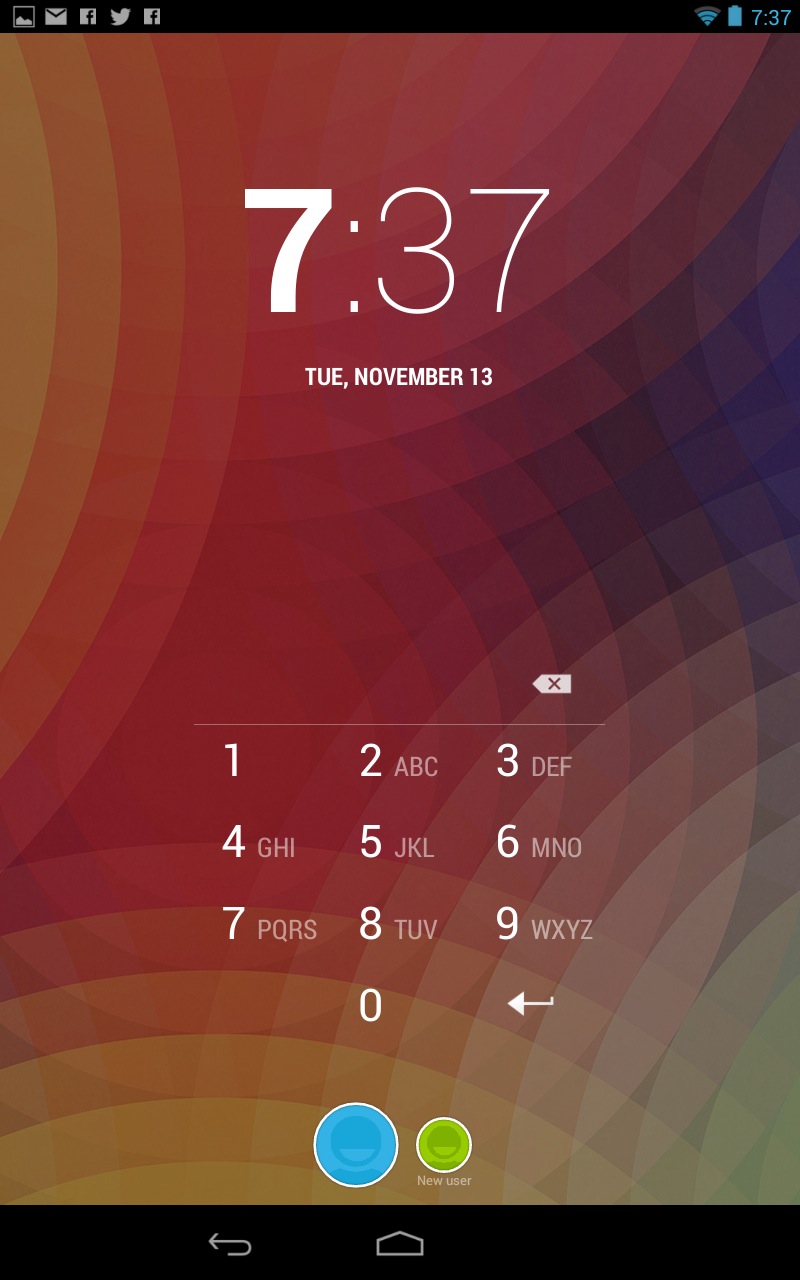
As already mentioned, the following method
only applies to devices that have Android
Device Manager enabled. 1. On a computer or other mobile phone,
visit: google.com/ android/devicemanager 2. Sign in using your Google login details that
you also used on your locked phone. 3. In the ADM interface, select the device you
need to unlock (if it isn’t already selected). 4. Select ‘Lock’ 5. In the appearing window, enter a
temporary password. You don’t have to
enter a recovery message. Now click
‘Lock’ again. 6. If it was successful, you should see a
confirmation below the box with the buttons
Ring, Lock and Erase. 7. On your phone you should now see a
password field in which you should enter the
temporary password. This should unlock
your phone. 8. Now, before you go on with your life, go to
your phone’s lock screen settings and
disable the temporary password. 9. That’s it!
Thank's for reading my article
Forgot your Android lock screen pattern, PIN or password?Created at 2016-09-10 04:41
Tags:
Android
,
Bypass
,
how
,
parttern
,
to

0
Like Star
Share:
Star
Share: